SAP Analytics Cloud
Native SAP Analytics, Planning, and Forecasting
For businesses running SAP, SAP Analytics Cloud (SAC) is the most powerful analytics choice — connecting directly to SAP Business One and S/4HANA with embedded AI and planning capabilities that go far beyond dashboards. ThynkProcess implements SAC for Australian businesses.
What Is SAP Analytics Cloud?
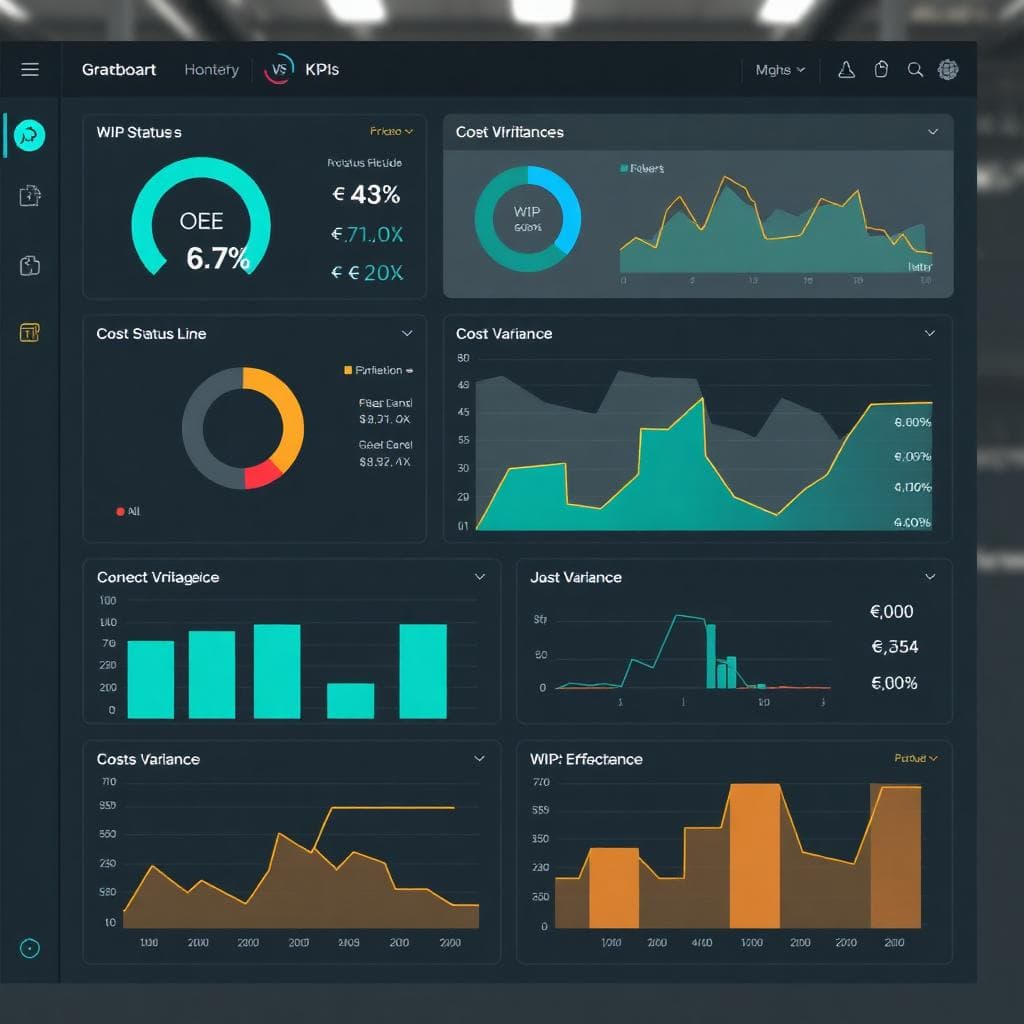
SAP Analytics Cloud is SAP's cloud-native analytics platform combining business intelligence, planning, and predictive analytics in a single tool. Unlike Tableau or Power BI which focus on reporting, SAC also provides integrated financial planning — budgeting, forecasting, and scenario modelling — connected live to your SAP Business One or S/4HANA data. For SAP customers who want a single analytics and planning platform that's natively connected to their ERP, SAC is the natural choice.
- Business Intelligence: Interactive dashboards, stories, and reports connected live to SAP B1 or S/4HANA — no data warehouse required.
- Financial Planning & Budgeting: Build rolling forecasts, annual budgets, and scenario models directly inside SAC — with write-back to SAP.
- Predictive Analytics: Embedded AI automatically identifies trends, anomalies, and drivers in your data.
- Smart Insights: One-click AI-generated explanations of why a metric has changed — e.g., why revenue dropped in Q3.
- Planning Collaboration: Finance teams collaborate on the budget in SAC — no more emailing Excel files back and forth.

SAP Analytics Cloud Key Capabilities
Live SAP B1 Connection
Connect SAC directly to SAP Business One with no data warehouse — dashboards query live SAP data.
Integrated Financial Planning
Build your annual budget and rolling forecast in SAC — drivers, assumptions, and write-back to SAP.
AI-Powered Smart Insights
SAC automatically explains why a metric changed and forecasts future performance using ML.
Scenario Modelling
Model 'what-if' scenarios — e.g., what happens to margin if raw material prices rise 15%?
Collaborative Planning
Multiple users plan simultaneously in SAC with workflow, approval routing, and audit trail.
SAP Ecosystem Native
SAC reads and writes to SAP B1, S/4HANA, BW, and BTP — no API mapping or middleware.
Common Challenges SAP Analytics Cloud Solves
ThynkProcess SAP Analytics Cloud Implementation
As an SAP Partner, ThynkProcess implements SAP Analytics Cloud for Australian businesses — from live connection setup to integrated financial planning go-live.
SAC Tenant Setup
Provision your SAP Analytics Cloud tenant and configure security, roles, and SSO.
SAP B1 Live Data Connection
Connect SAC to your SAP Business One instance using the certified Live Data Connection.
Story/Dashboard Build
Design and build your first set of analytics stories — finance, inventory, and sales.
Planning Model Design
Build your planning model — account hierarchy, cost centres, drivers, and input schedule.
Budget Cycle Go-Live
Run your first collaborative budgeting cycle in SAC with your finance team.
SAP Analytics Cloud Connects To


Is SAP Analytics Cloud Right for You?
Industries
Business Size
Key Roles
See SAP Analytics Cloud in Action

Ready to Move Your Analytics and Planning Into SAP?
ThynkProcess implements SAP Analytics Cloud for Australian businesses running SAP Business One — delivering live dashboards and collaborative financial planning in one SAP-native platform.
+61370753900 | info@thynkprocess.com.au | 39/72 York Street, South Melbourne Victoria 3205