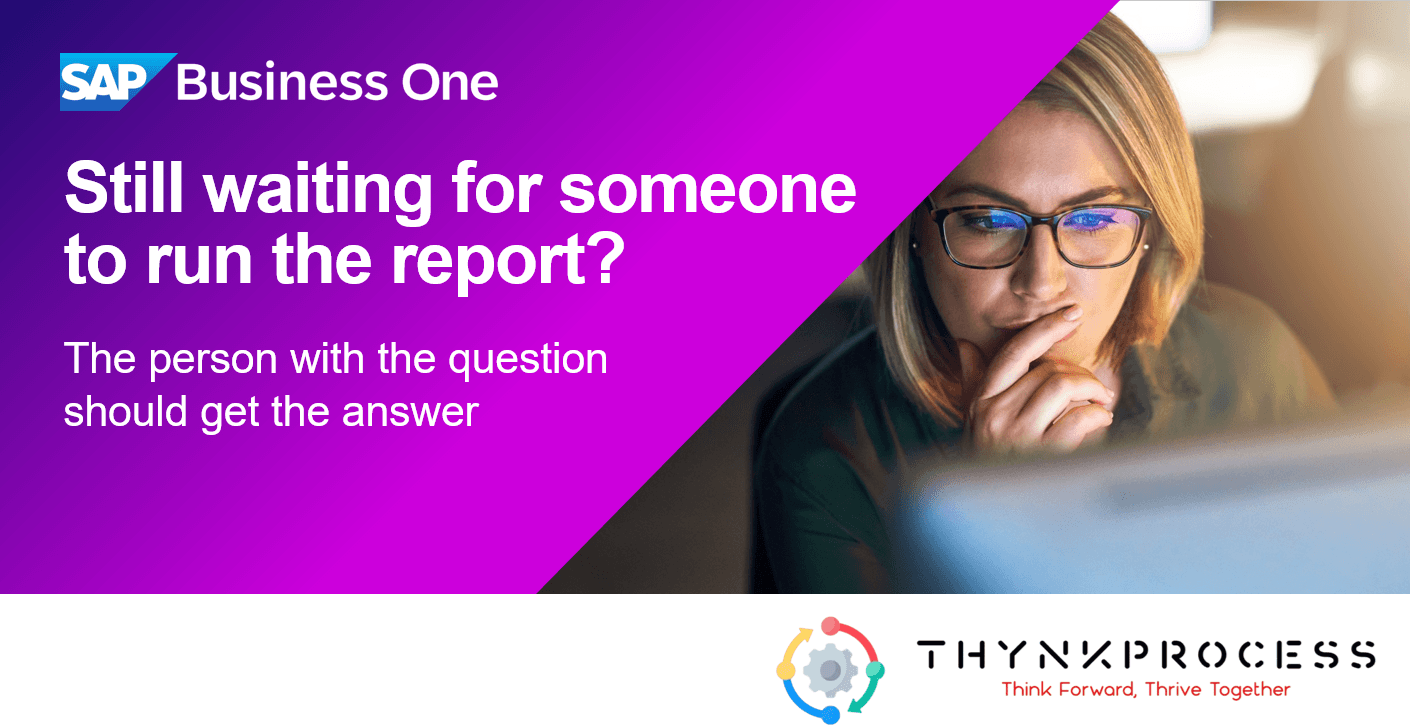
What if the people who understand your business best could get answers from your SAP Business One data without waiting for someone else to prepare them?
In our last article we looked at where automation and AI-enabled tools may reduce manual work. This time we look at two AI capabilities that SAP describes as part of SAP Business One itself, what they are designed to do, and what to check before relying on them.
The gap between a question and an answer
Every business has questions. Why did sales drop? Which customers need attention? What is affecting profitability?
Getting from the question to the answer can mean knowing which report to run, how the data is structured, or asking someone with technical skills to write a database query. The people who understand the question are often not the people who can build the answer.
Two built-in capabilities, in plain terms
| Capability | What it is designed to do | What stays in your control |
|---|---|---|
| AI User Defined Query | Turns a question written in everyday business language into the SQL query needed to retrieve the data | The user reviews the query before running it. Results open in List View, where they can be filtered, sorted and saved |
| Ask AI | Lets users bring selected SAP Business One context into a question, combined with AI-based internet research | The user chooses which field values and context are shared. According to SAP, the AI knows only what is shared in that question |
SAP states that in both cases the AI does not directly access the company database. That is worth confirming for your own environment, but it is an important design point for any business that is cautious about where its data goes.
The results matter as much as the query. A saved List View is not a one-off report. It becomes a starting point: one answer leads to the next question, and a useful view can be kept for next time.
What this could look like in practice
The questions look different in each business. These are illustrations of the kind of question a team might ask, not a guarantee of what any tool will return.
| Business type | A question an AI User Defined Query might help with | A question where Ask AI might help |
|---|---|---|
| Manufacturer | Which open sales orders are most likely to ship late? | How could a supplier delay affect this order, and what options exist? |
| Distributor | Which items hold more stock than recent sales would justify? | How might a change in market conditions affect demand for this product group? |
| Brewery or distillery | Which raw materials are close to their reorder level? | How could a regulatory change affect this product line? |
The first column draws on information already in SAP Business One. The second is for questions where your own data is only part of the answer.
A person still has to check the answer
These capabilities are built around human review, and that is a strength. Someone who knows the business should read the generated query, and judge whether the results make sense.
The results also depend on the data behind them. Duplicate customers, inconsistent item descriptions or stock records that differ from the shelf will produce answers that look confident and are wrong. As we said in our last article, automation and AI work best on reliable data and well-understood processes.
Where partner solutions fit
Built-in capabilities are designed for questions and queries that cut across many businesses. Some needs are more specific. Production control on the shop floor and warehouse processes, for example, often call for solutions built for those tasks.
SAP describes SAP Business One as designed to support both built-in AI and further innovation through SAP and partner solutions. For many businesses the practical answer is a mix: built-in tools for everyday questions, and specialist solutions where the process demands it.
A simple way to begin
- List the questions. Write down three questions your team asks every week and waits longest to answer.
- Sort them. Note which can be answered from your own SAP Business One data, and which need outside context.
- Check the data behind them. Look at the records the answer would rely on, and fix obvious gaps at the source.
- Try one, with a person reviewing. Start with a single question and have someone who knows the business check the result.
- Measure it. Compare the time and effort before and after, and decide what to extend.
Availability can depend on your version and setup, so it is worth checking what applies to your system before planning around any feature.
Let's explore what's possible
At ThynkProcess, we'd be happy to talk through one question your team waits too long to answer. Is there a report your people regularly ask others to prepare? Send us a brief description and we can look at which options may fit, including what is available for your version of SAP Business One. It is a short exploratory conversation, and any assessment or implementation can be scoped to your needs.